gone with the wind - architects
winDAS hell..;
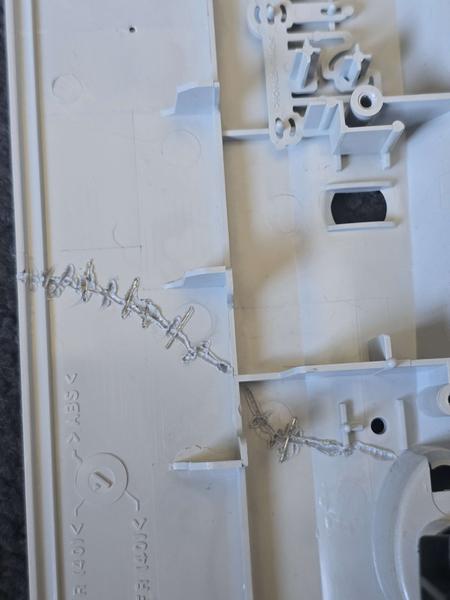
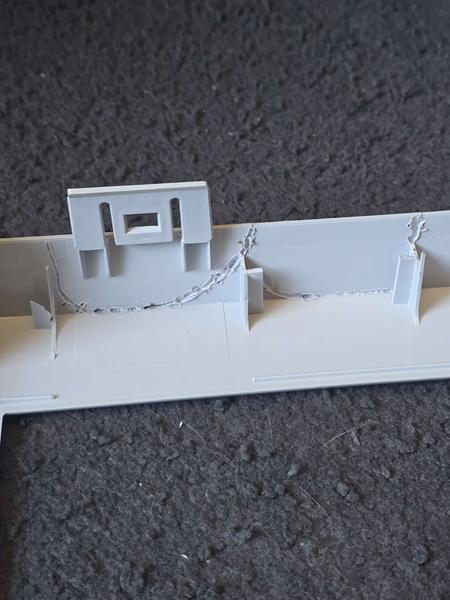
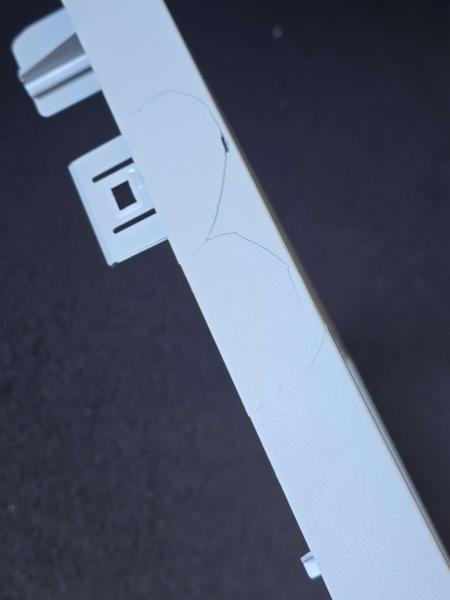
I purchased and shipped a 19" Sony Trinitron from Victoria, AUS in insanely good condition. The monitor arrived damaged, the unit had been dropped in transit. Stand smashed, front bezel cracked, side chassis smashed in. I went to work checking through everything, the tube and apeture grille were still healthy. Convergence, purity and geometry was completely out of alignment though.. Over the last week I have learnt a lot about these high end CR1 Chassis monitors, including things that aren't documented in any crack of the internet. anywhere. Here's all of it.
the setup
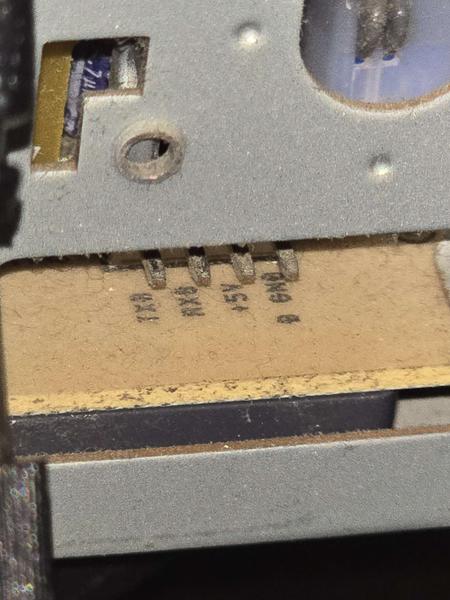
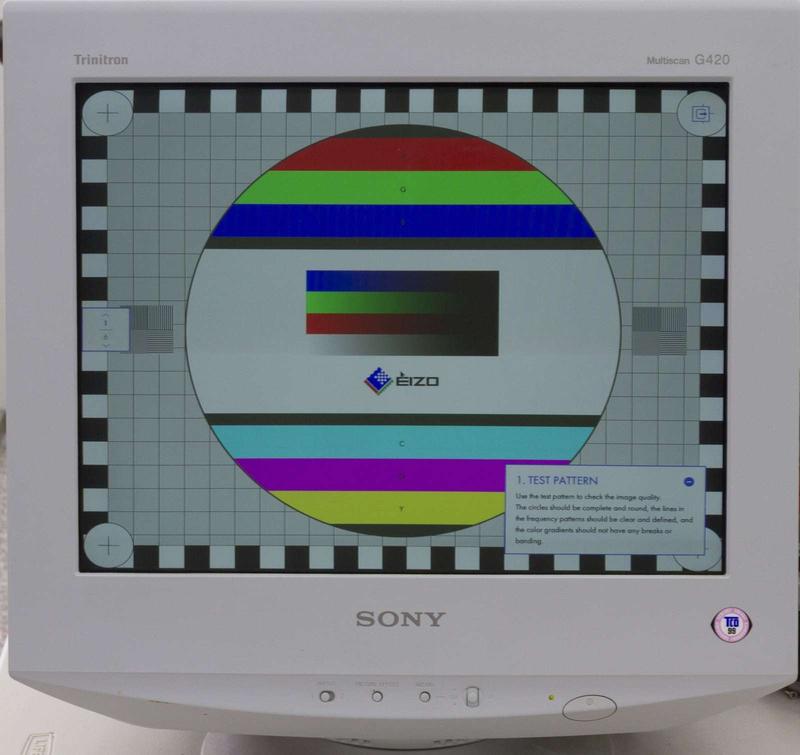
The G420 is a CR1-chassis Trinitron from about 2001, mine is specifically manufactured in the 39th week (late sept) of 2002. Like most Sony CRTs of the era it has a service port on the back - a 4-pin TTL-level serial header - and Sony's internal alignment software, WinDAS, can talk to it and rewrite the EEPROM that holds every calibration value in the monitor. (btw winDAS is a horrible shitty software from the late 90s and early 2000s, please avoid using it unless you have to..)
- serial-to-TTL adapter (FTDI) on COM3
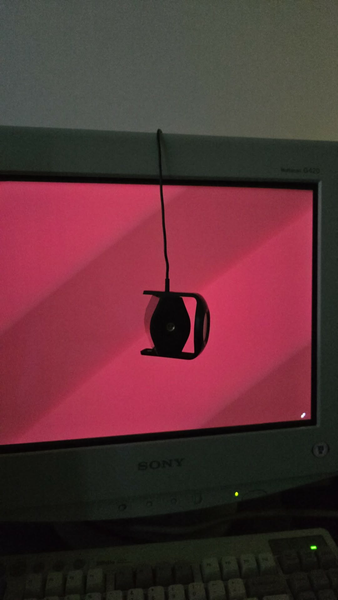
- X-Rite i1Display Pro Colorimeter
- HCFR 3.5.1.4 for measurement + patterns
- 1600x1200 @ 85Hz, 106.25 kHz horizontal VESA standard as requested by the Sony Procedures.
The relevant procedure for my CPD-G420 is cr1_19wb.PRC -
White Balance Adjustment, usually called WPB. It walks you
through cutoff and drive adjustments for each of the three
colour temperature presets while you sit there with a meter
on the glass, matching Sony's factory targets:
| preset | x | y | Y (cd/m²) |
|---|---|---|---|
| 9300K | .283 | .298 | 112 |
| 6500K | .313 | .329 | 97 |
| 5000K | .346 | .359 | 87 |
the problem
Every single step inside the procedure landed on target. dE 0.2, dE 0.4, occasionally dE 0.1. Textbook stuff.. there are guides out there explaining the whole process, albeit missing some of what I'd consider very important and helpful information..
Then I'd exit, set the monitor to 6500K, measure the same 100 IRE white with the same meter and the same pattern - and get x .3215 / y .3483 instead of .313 / .329. Off by about +0.009 x and +0.019 y. Every time. All three presets shifted by almost exactly the same amount, which is the signature of one common cause rather than three separate mistakes.
the thing that made this hard: the monitor measured correctly while WinDAS was driving it and incorrectly the moment it went back to normal operation. Same stimulus. Same meter. Same registers.
six theories that were wrong
Worth listing, because ruling things out with actual measurements is most of what this was:
- 10% window vs fullscreen patterns. Dead - I'd measured calibration and verification the same way. Most guides show HCFR being used with a 10% window.li>
- G2 set too high, raising the black floor. Dead by arithmetic. A 0.674 cd/m² pedestal on 87 cd/m² white moves y by 0.0009. I needed 0.018.
- Final Setting corrupting the data. Dead - the error was fully present in a DAT saved before running it.
- Stored OSD user adjustments. Dead - full OSD reset moved the white point by 0.001.
- Brightness / black level. Dead - dropping black from 0.679 to 0.008 cd/m² (contrast 135:1 to 9391:1) changed 100 IRE by less than 0.001.
- Contrast endpoint interpolation. Dead - the error persists at contrast 100.
I also checked additivity: measuring the red, green and blue guns separately and summing them predicted the white point to within a thousandth of what the monitor actually produced. So the tube is linear, there's no beam-limiter compression, and the error is purely a gun balance problem.. Blue was delivering 84.4% of what D65 needs, which on its own accounts for the entire shift.
reading the EEPROM
WinDAS DAT files turn out to be plain fixed-width text. 12533 bytes, a header, then NUL-terminated section labels with decimal integers right-aligned in 7-character fields. Which means you can diff them. ;)
Sections are Fact Free, COLOR,
UMT, TDT, SCAP1/2,
Reg_8_1 through Reg_8_5, and
Reg_16_1. Almost none of that is documented
publicly. What I worked out by diffing a dozen backups:
COLORholds 13 fields x 3 modes, ordered 5000 / 6500 / 9300. Field 0 is red drive (fixed at 220), 1 and 2 are green and blue drive, 3–8 are the cutoffs, then CONT_MIN and the two CmaxB values. Every number matched what I'd dialled in on screen.Reg_8_1holds the ABL (auto brightness limiter) parameters at fields 106–108, plus G2.UMTis the user mode table - 30 slots of 17 fields, one per video timing, holding your per-resolution geometry.
finding #1: ABL
One of my earlier DAT files clamped fullscreen white to 18 cd/m² with the beam limiter audibly hunting. I couldn't get near the 112 cd/m² drive target no matter what I tried during the WPB procedure.
| state | SHUTD_L | C_L_93 | C_L_50 |
|---|---|---|---|
| factory | 166 | 124 | 100 |
| broken | 89 | 47 | 44 |
| good | 175 | 133 | 110 |
Half the factory values, and the monitor won't produce light. I found a Dell P992 owner on the VOGONS forums hitting the same thing after a third-party calibration and fixed it by copying the three values back from his backup. If your CRT suddenly dims hard on white content after a WPB, that's where to look.
This also meant my first six attempts weren't independent - each one started from the previous one's damage. The "repeatable" error I'd been chasing was partly just damage compounding.
finding #2: run it twice
This is the one that actually solved it, and it isn't in any guide I saw anywhere on the internet, I scoured forum posts, videos etc.. nothing.
WPB values don't reliably commit on a single pass.
Run cr1_19wb.PRC, and when it finishes, run it
again immediately - without reloading a DAT in
between. Just to repeat - in order for values to be applied correctly, you need to finish WPB, press "OK", "EXIT", "SAVE TO DAT", then "PROCEDURE" -> Re-run the WBP again without doing the finalization procedure.
A CPD-G520 owner had written this on reddit four years ago and nobody picked it up: "the settings after completing the final steps would never save properly... I have always had to do the WPB procedure twice anyway." Same chassis as mine.
There's a mechanism for it too. Within each temperature section the order is Cutoff Max, Drive, Cutoff Min, Drive again. Cutoff Max is set once, early, and never revisited after the drives change - so a residual is baked in by construction. A second pass sets Cutoff Max against the drives the first pass established. Diffing my two passes shows exactly that: cutoffs up a few counts, CmaxBmax down from 103 to 99, every mode moving the same direction.
Because I reset to the factory DAT before every attempt, I had run seven first passes and never a second one, which wasted over 10 hours of my time.
finding #3: exit properly
After one session the OSD locked me out entirely - key icon in the bottom left, no menu access, and brightness and geometry stopped persisting across power cycles.
From the found MCbx's Trinitron notes: WinDAS locks the OSD while programming, and releases it during a specific exit sequence. Run Final Setting with a 1600x1200 signal, then close every dialog with its own Exit button, never the X in the corner. That's when the lock lifts and the CPU commits.
Byte-diffing before and after Final Setting confirms it: the
procedure writes nothing to your calibration at all. Every
colour value, every ABL value, identical. The only thing that
changes in the entire 12KB file is three flag fields at the tail
of Reg_8_5, going from 0, 2, 0 to
1, 2, 1. That's the key-lock state. You cannot use the OSD at all if this is written.
finding #4: geometry
WPB wipes the user mode table. My UMT went from 15 populated
slots to 3 - only the factory presets survive, filled
with an invalid marker (2047, 16383, 255...). So
every per-resolution geometry adjustment you've ever made is
gone after a calibration. Expect it; it's not a fault.
Restoring the table from a factory DAT didn't help on its own. What did: defining my resolutions in CRU with GTF timings instead of CVT in the Nvidia panel, and dropping the refresh rates. 800x600 @ 165Hz and 640x480 @ 160Hz are at or past this monitor's vertical ceiling, and it won't allocate a user mode for a timing it's running out of spec. At 120Hz everything sticks. If you are using custom resolutions and run into trouble with saving geometry for them - reduce the refresh rates, and if that doesn't work - check the UMT section of your EEPROM using winDAS.
where it landed
| state | x | y | Y |
|---|---|---|---|
| factory | .3085 | .3446 | — |
| single pass | .3215 | .3483 | 90 |
| double pass | .3133 | .3304 | 72 |
| final | .3140 | .3300 | 101 |
D65 is .3127 / .3290. The final result is dE 0.8 with RGB balance at 101.0 / 99.8 / 99.2, black at 0.005 cd/m², and grayscale tracking holding within 0.004 across the whole ramp — against 0.066 of drift in the factory state.
I tried putting a DisplayCAL LUT on top afterwards and it made things very slightly worse. When the hardware is inside a few thousandths, gamma table quantisation costs you more than the correction gains. So: no LUT. The tube is just correct now.
the short version
- fullscreen patterns, 0 IRE BLACK PATTERN for Cutoff Max
- set G2 in a dark room with a meter, not by eye
- wait PROPERLY at the ABL stabilise step, I MEAN PROPERLY. WAIT 1-2 MINUTES BEFORE CONTINUING
- run WPB twice in a row, no DAT reload between
- final Setting on 1600x1200, exit via Exit buttons
- back up your original DAT before any of this
- expect to redo all your geometry afterwards
Twenty-five years old and it measures better than it did leaving the factory. Worth the two days!
gallery
Screenshots and photos from the process. Click any of them for the full-size version.